
 Tiếng Việt
 English
 日本語
日本語Speed limits — blank beats wrong
Uses the map's real maxspeed when there is one. When nothing is certain the sign stays blank and no warning sounds; turn on “Estimate” to infer it from road class and Circular 31/2019, always marked ~ estimated.
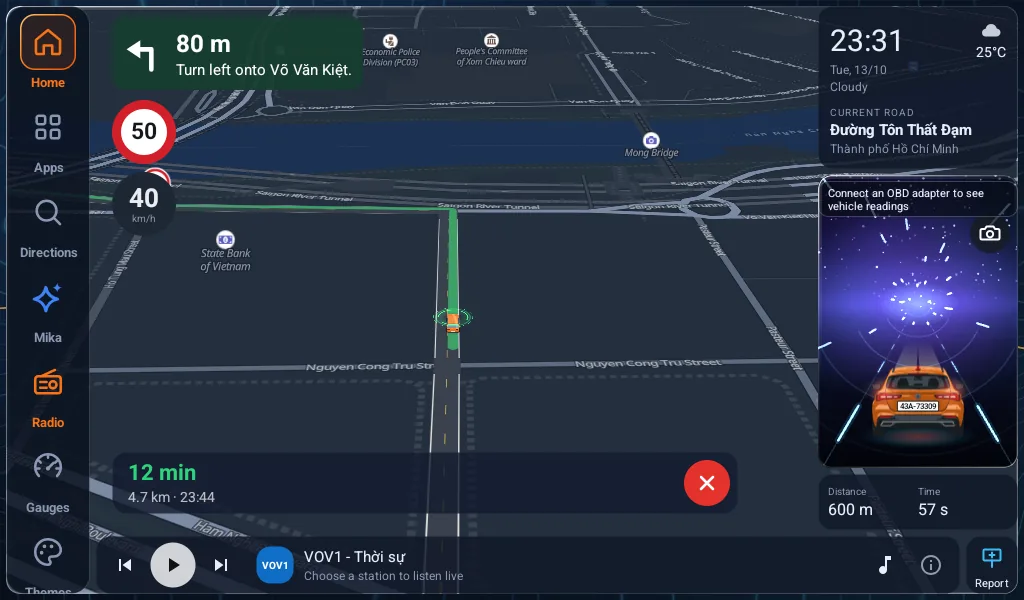
Map, speed, the speed-limit sign, clock, lunar calendar, music and dashcam on one screen. Install the APK and go — offline maps of all of Vietnam keep working without signal.
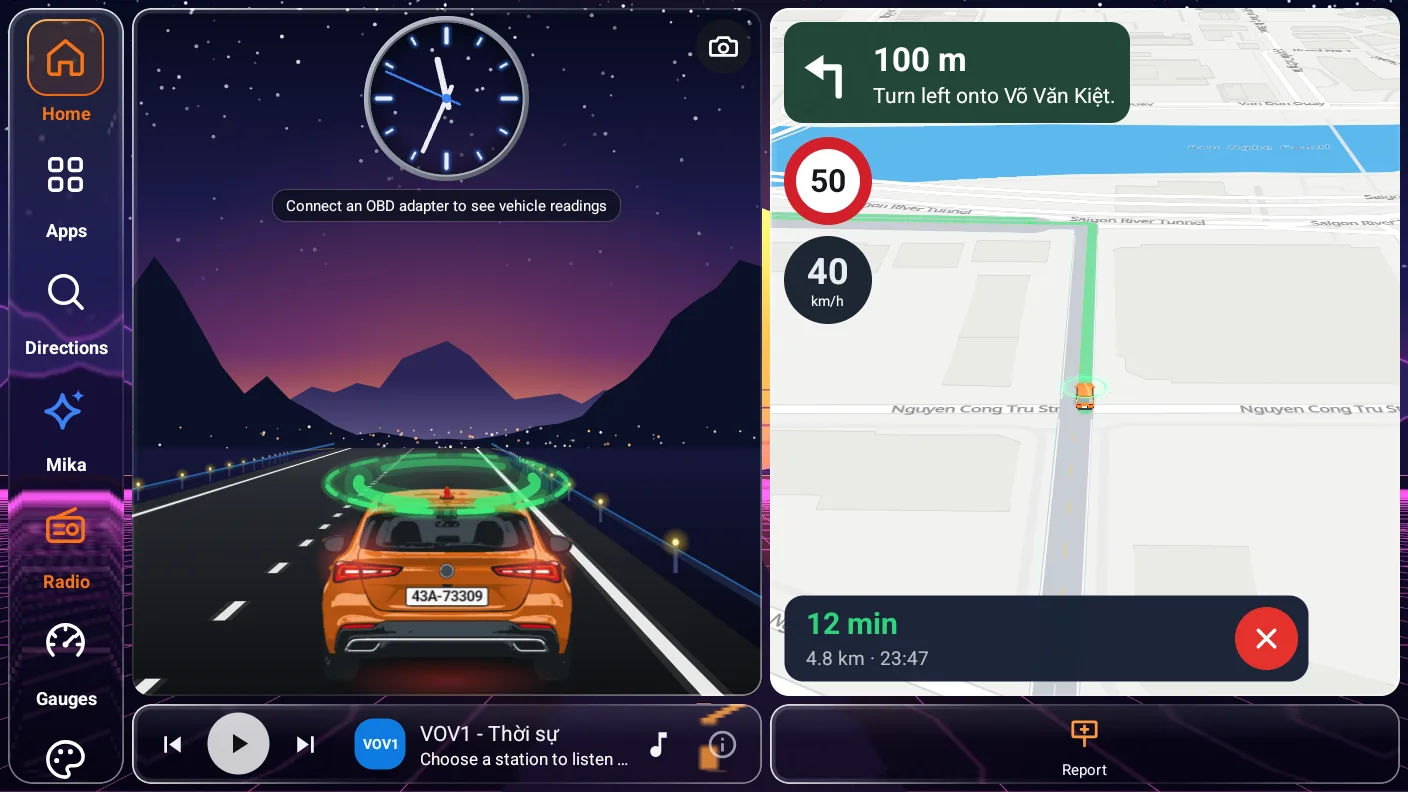
All worked out from GPS and map data. Plug in an OBD-II dongle if you want readings straight from the car.
Uses the map's real maxspeed when there is one. When nothing is certain the sign stays blank and no warning sounds; turn on “Estimate” to infer it from road class and Circular 31/2019, always marked ~ estimated.
Download 145 MB once for the whole country. Until then MapLibre caches up to 512 MB of roads you've driven.
One tap to report. Signs appear once 3+ devices agree; incidents expire on their own.
Records, reads signs and measures the gap to the car ahead. Processed on the device, never uploaded.
Press the voice key on the steering wheel or the mic button, then speak to find a route or open settings.
ELM327 over Bluetooth or WiFi. Spoken alerts for overheating or a Check Engine light. 30-day trial.
30/20/12-second pauses between reminders, instant when you speed up further. Never two voices at once.
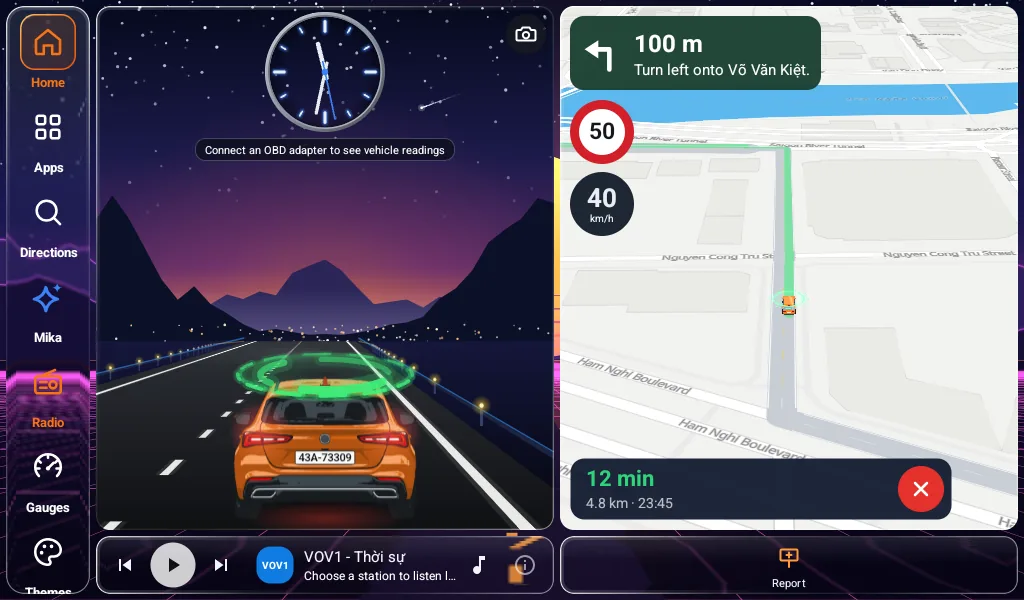
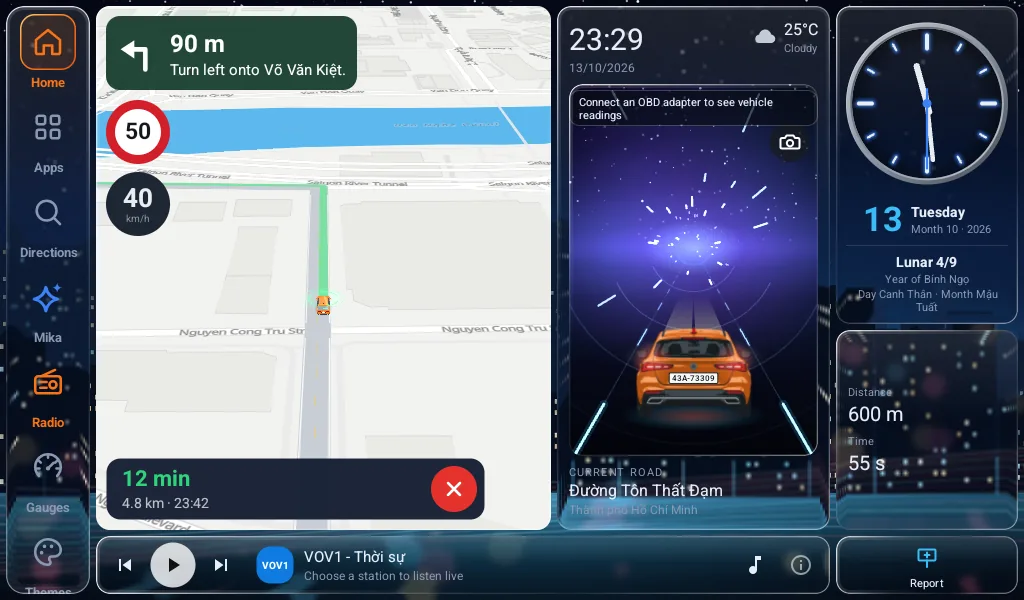
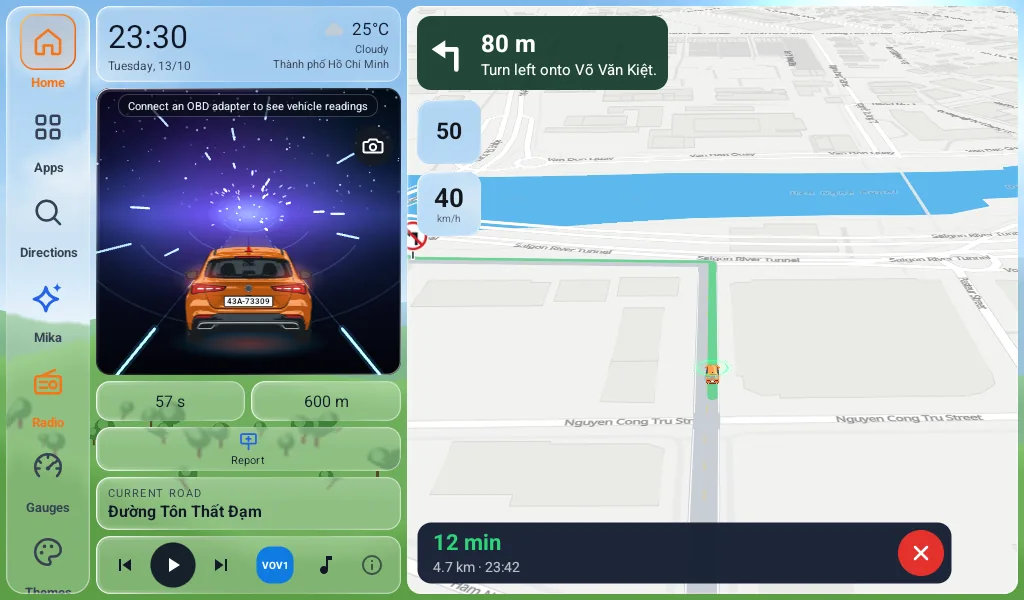
Four themes · all free
Apple CarPlay · Android Auto
If your car has CarPlay or Android Auto, no new head unit needed. MapCar on iPhone and Android shows up right on the car display — map, speed-limit sign and turn-by-turn directions.
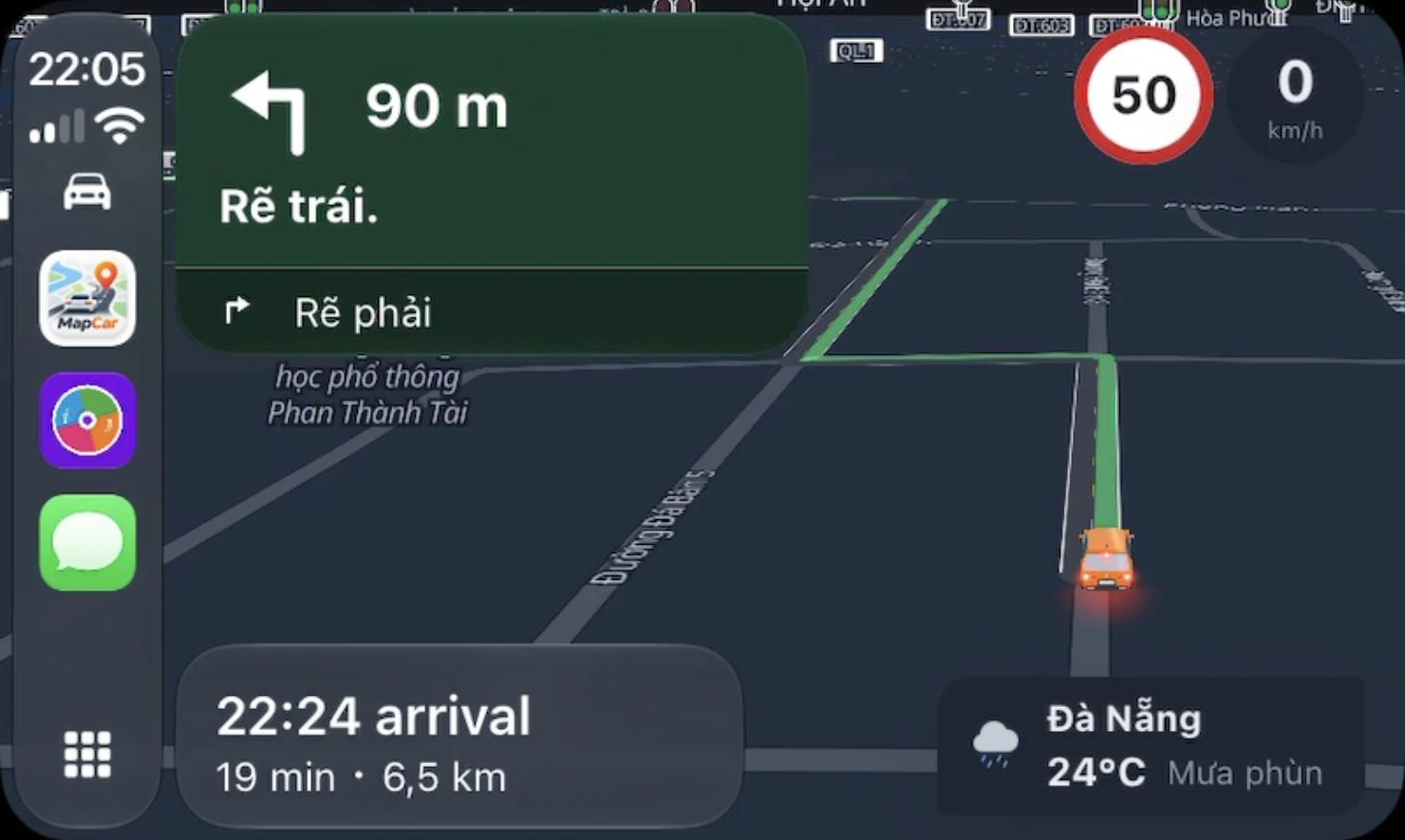
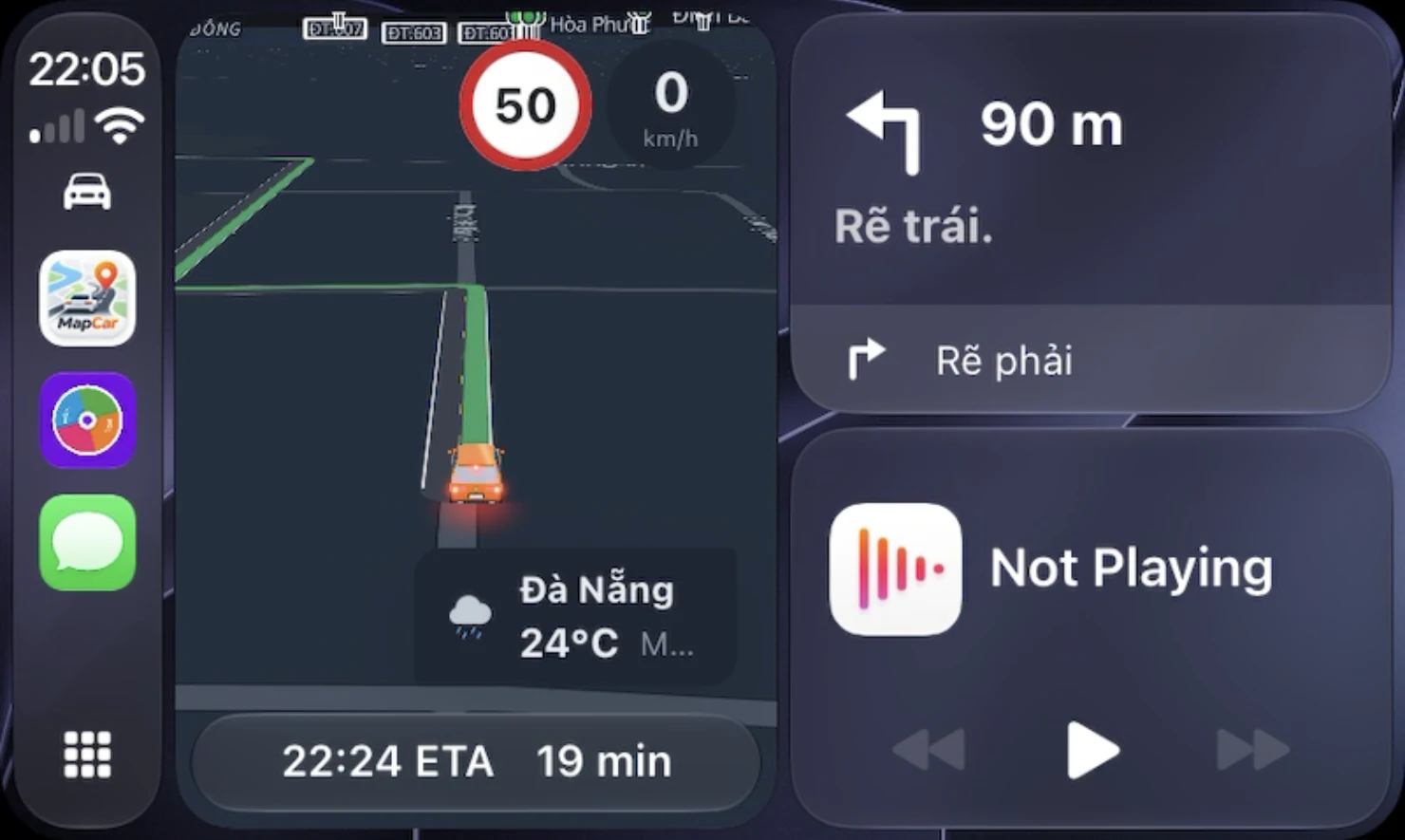
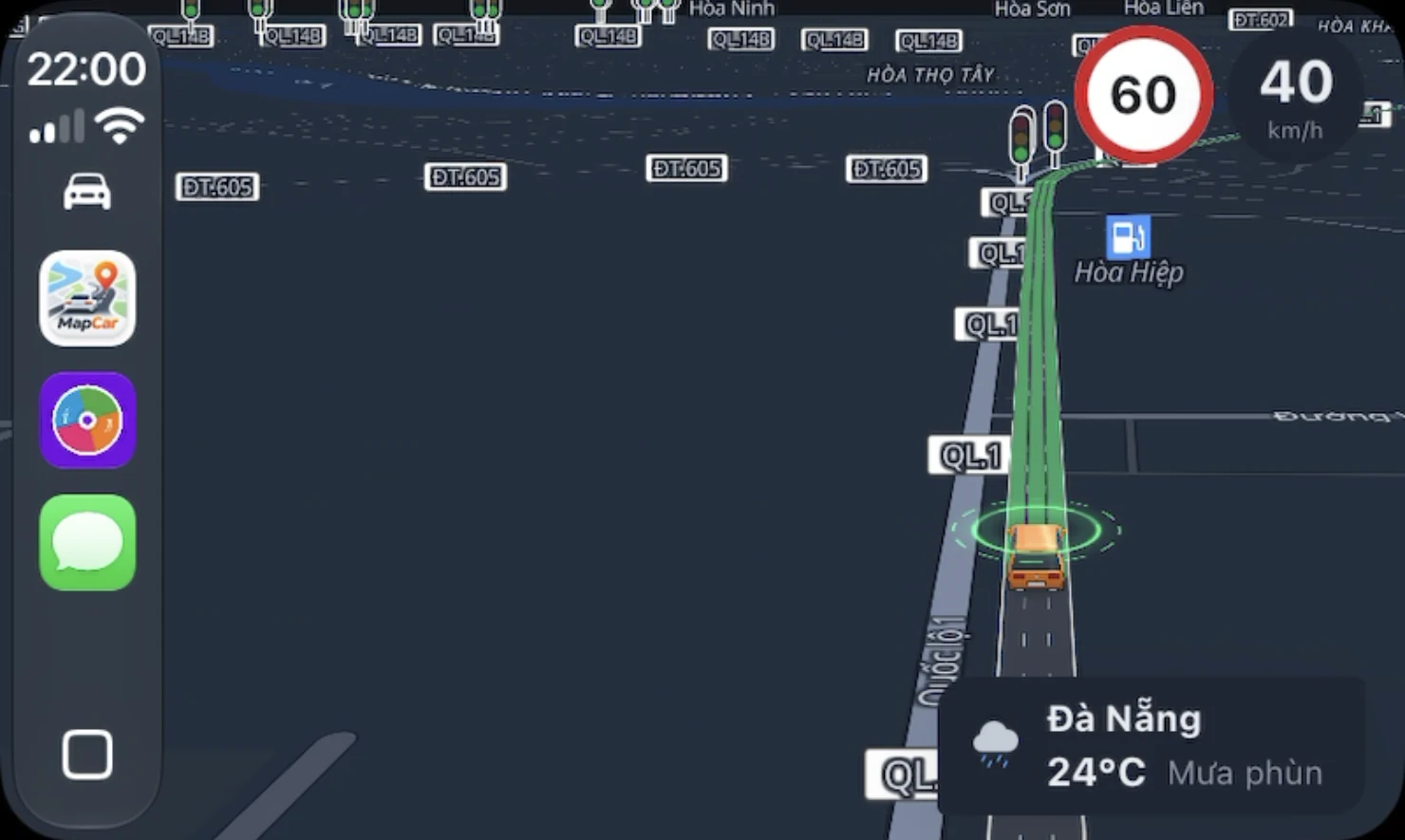
Open MapCar full screen on the car display, or follow the next turn on the Dashboard next to music and news.
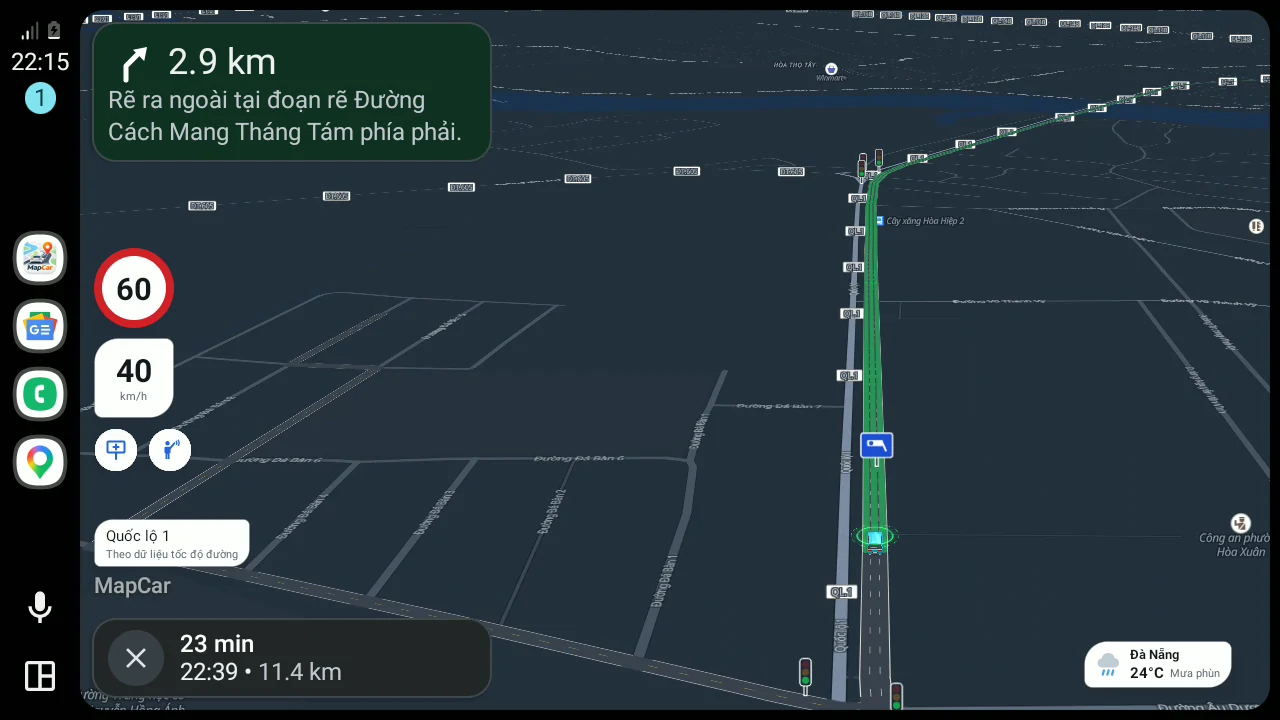
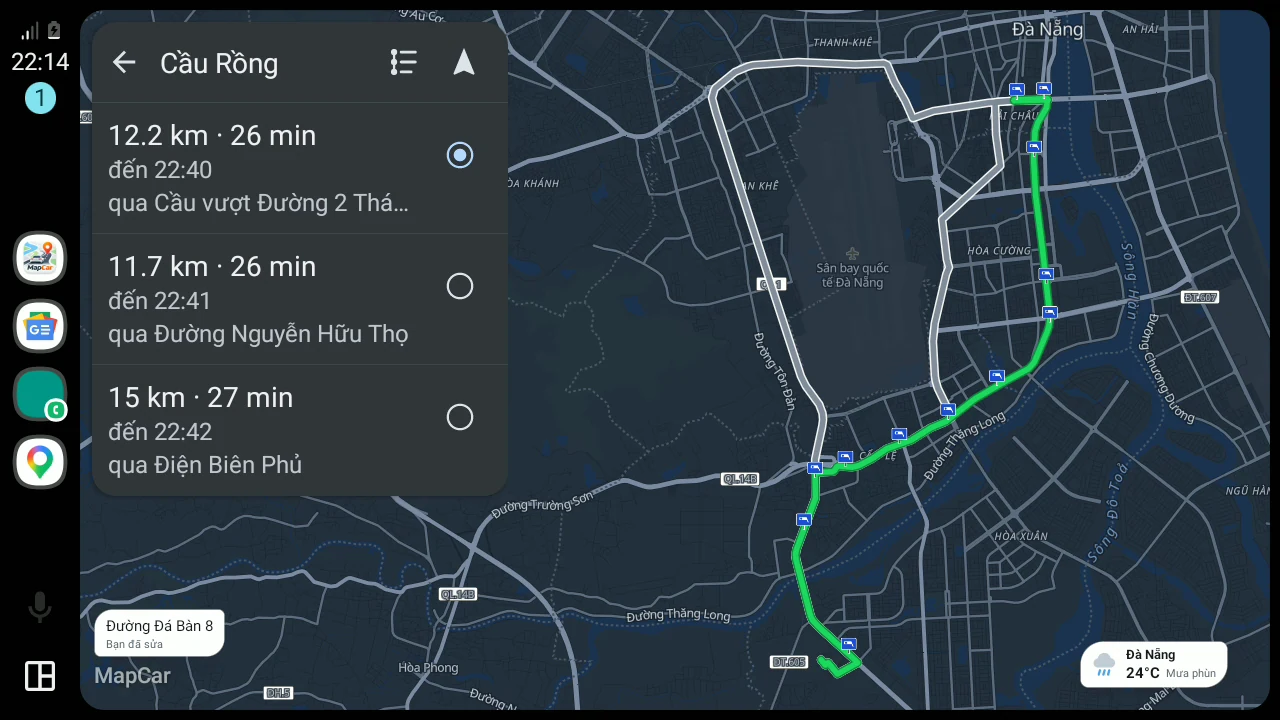
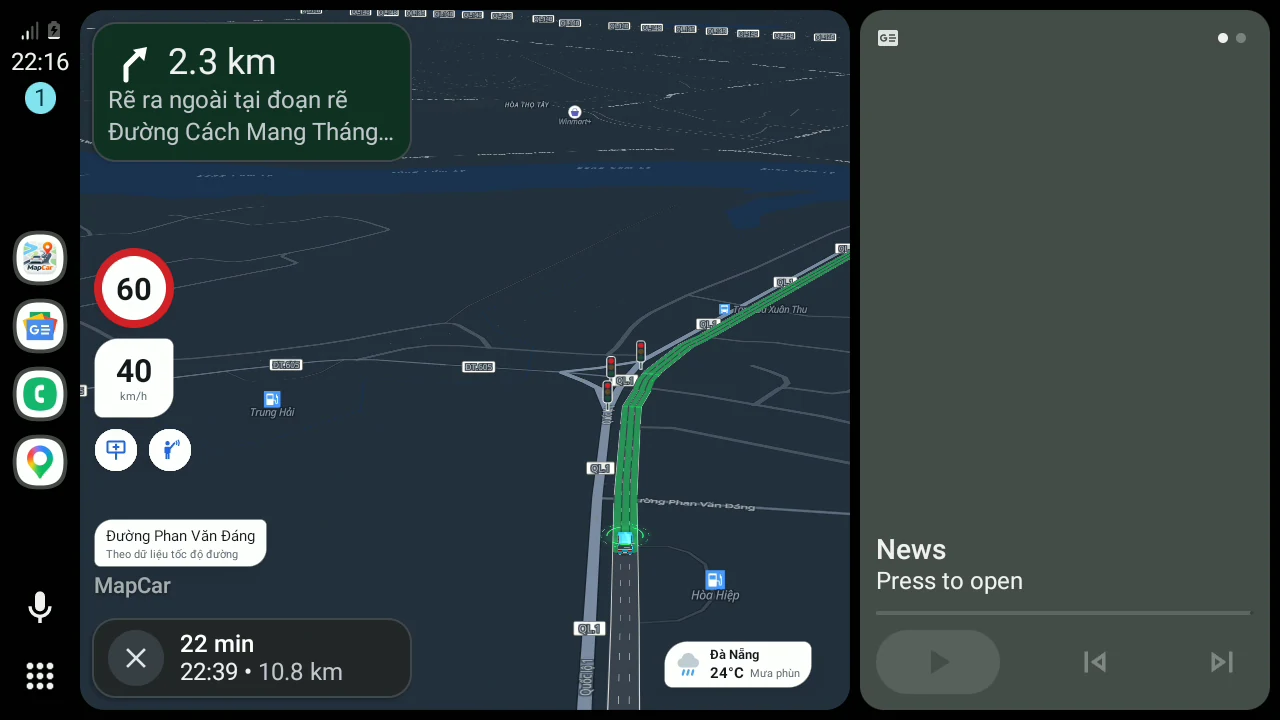
Full screen or split next to your music. Pick one of three routes before you go.
Use the MapCar phone app (not MapCar Launcher). Offline maps downloaded on the phone work on the car screen too.
MapCar Launcher replaces the home screen. Install the APK directly.
Get the APKThe Google Play version, for phones and cars with Play Services.
The App Store version for iPhone, also on CarPlay.
App StoreEvery install starts a 30-day Pro trial — no card, no sign-up. When it ends, every safety feature keeps working.
Everything you need to drive safely every day.
or 499,000₫ once, yours for life
Everything in Free, plus:
| Feature | Free | Pro |
|---|---|---|
| Maps, navigation, Vietnamese voice | ||
| Offline map of all of Vietnam145 MB, downloaded once | ||
| Speeding alerts, rest reminder | ||
| Speed signs, enforcement cameras, traffic lightsAlong the road you drive and the route you pick | needs data | |
| Nationwide signs, cameras, lights, speeds without signalEncrypted data stored on the device | — | purchased* |
| Community reports, traffic jams | ||
| CarPlay, Android Auto | ||
| Dashcam: recording, sign reading | ||
| Forward vehicle detection, tailgating warning | — | |
| Car data from an OBD-II adapterSpeed, RPM, temperature, fuel, warning lights | — | |
| Personal greeting, passenger welcomeGreets you by name | — | |
| Licence plate, brand logo on the virtual car | — | |
| ThemesPremium, holidays, YouTube beside the map (Launcher) | 4 basic layouts | |
| Music from USB, SD cardMapCar Launcher | — |
Community
MapCar takes reports from drivers in all 34 provinces and cities: speed signs, enforcement cameras, jams, crashes, flooding… A sign shows only once three different devices confirm it; incidents expire on their own after 30–60 minutes.
Join the Facebook group to ask about setup, show off your car's screen and suggest features.
Open Google Play on the head unit — or copy the APK to a USB stick, download it on the unit → press Home, pick MapCar Launcher → “Always”.
Your browser reports older graphics (OpenGL ES 2.0) — the buttons above now point to the build for older head units.
Older head unit and the map stays blank? Get the build for OpenGL ES 2.0 graphics