MapCar Launcher
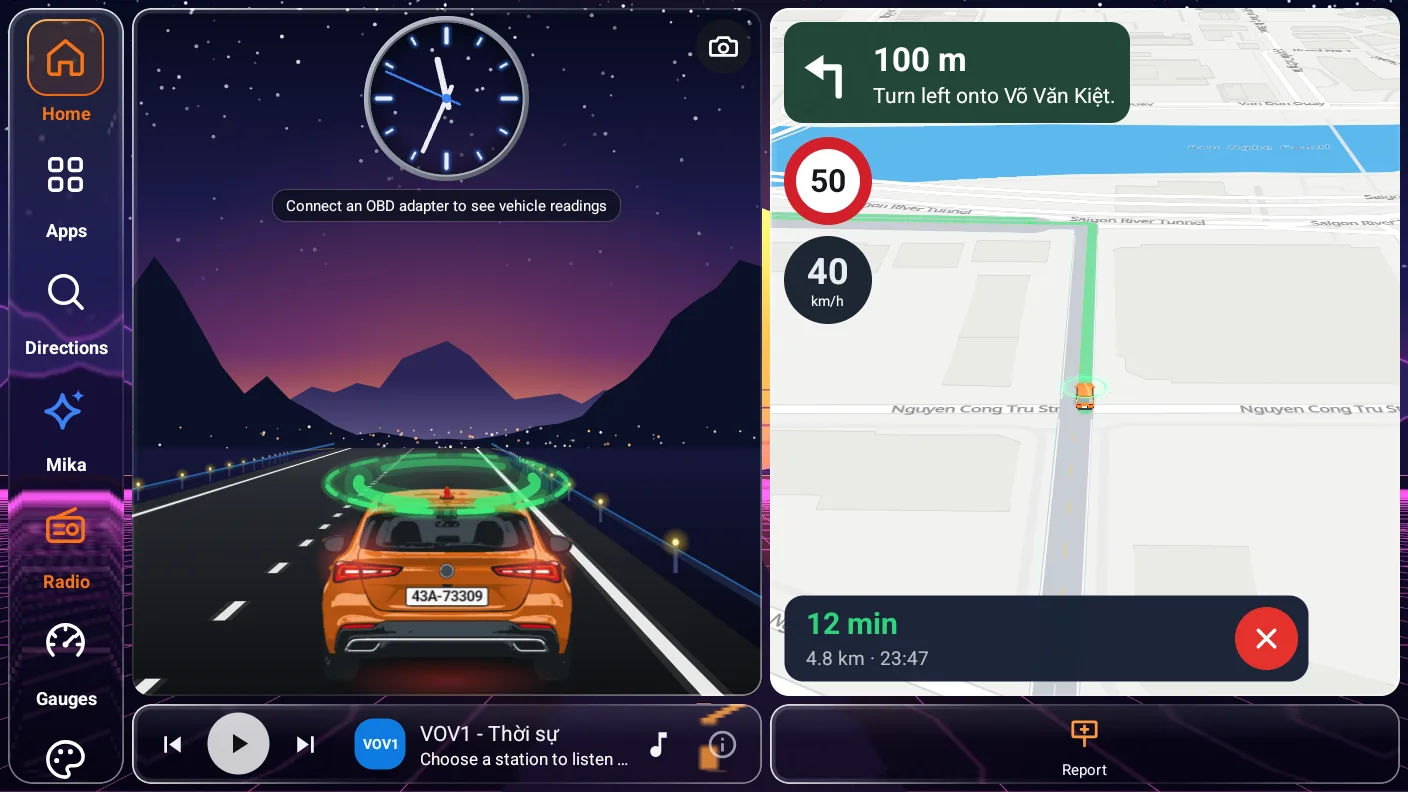
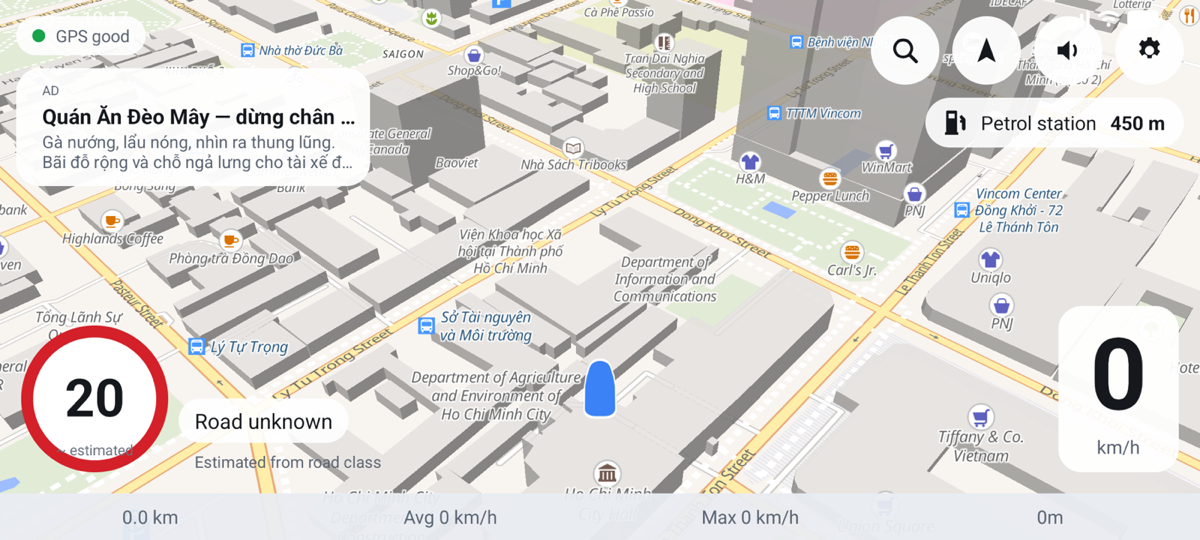
A home screen for your car: map, speed, the speed-limit sign, clock, music and dashcam on one screen. Install it from Google Play for automatic updates, or download the APK and install it directly.
Pick the app for your device. Every version is free to download, and the safety features are always free.

A home screen for your car: map, speed, the speed-limit sign, clock, music and dashcam on one screen. Install it from Google Play for automatic updates, or download the APK and install it directly.

Navigation and speed warnings on your phone, shown on the car screen through Android Auto.

Navigation and speed warnings on your iPhone, shown on the car screen through CarPlay.
Pick the one for your head unit’s chip. Not sure? Take the universal build — it is larger but runs on every unit.
Your browser reports older graphics (OpenGL ES 2.0) — the buttons above now point to the build for older head units.
Older head unit and the map stays blank? Get the build for OpenGL ES 2.0 graphics
Map data, navigation and speed limits currently cover Vietnam only.Read the installation guide
Common questions
Yes. The launcher uses Google Maps when Play Services is available and switches to MapLibre maps when it is not. Your position comes from the unit's own GPS, so no Google services are needed.
Go to Android Settings → Apps → Default apps → Home app and select the original launcher, or simply uninstall MapCar Launcher. Your original launcher is never removed or modified.
Maps, navigation, alerts and all three themes are free. Reading your car's data through an OBD-II dongle comes with a 30-day free trial. After that, you can unlock PRO inside the launcher with a QR bank transfer (it activates as soon as your payment arrives) or by entering an activation code.
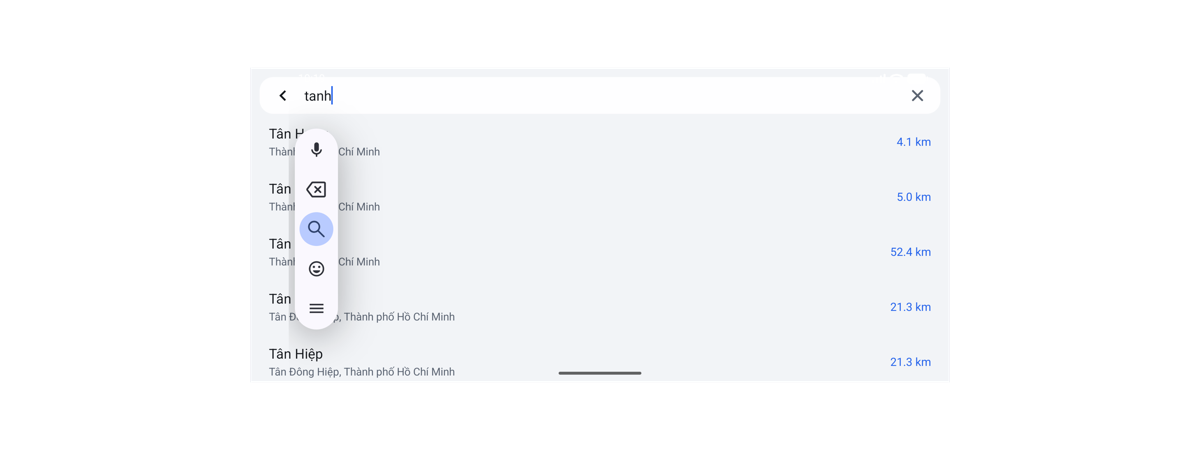
Yes — to load the map for new roads, search for places and calculate routes. Once the offline pack is downloaded, it uses hardly any data, because the map, search and routing all run on the unit.
Your trips never leave the unit. A location is sent only when you report a sign or incident to the community map, when you search or plan a route, and when map tiles are loaded for the area on screen. There is no account and nothing that identifies you. You will find the details on the Privacy page.